


All Products
The Full MyCNBox Spreadsheet: Every Category, One Manifest
This is the master index of the MyCNBox spreadsheet, a curated directory that pulls finds from every category into a single browsable manifest. Think of it as the loading dock before your parcel gets packed: everything worth shipping passes through here first, so you can scan the whole catalog without hopping between pages.
Here is how to actually work this page. The category pills across the top let you filter the manifest down to a lane, apparel, footwear, bags, tech, home, and the rest, so you are not scrolling past things you will never route. The sort controls reshape the same set on demand, latest to see what has just landed, popular to see what other shoppers are already moving, and price when you are building a cart around a budget. If you already know the exact item or brand you are chasing, skip the browsing entirely and drop it into search; that is the fastest way to pull a specific SKU out of a catalog this deep.

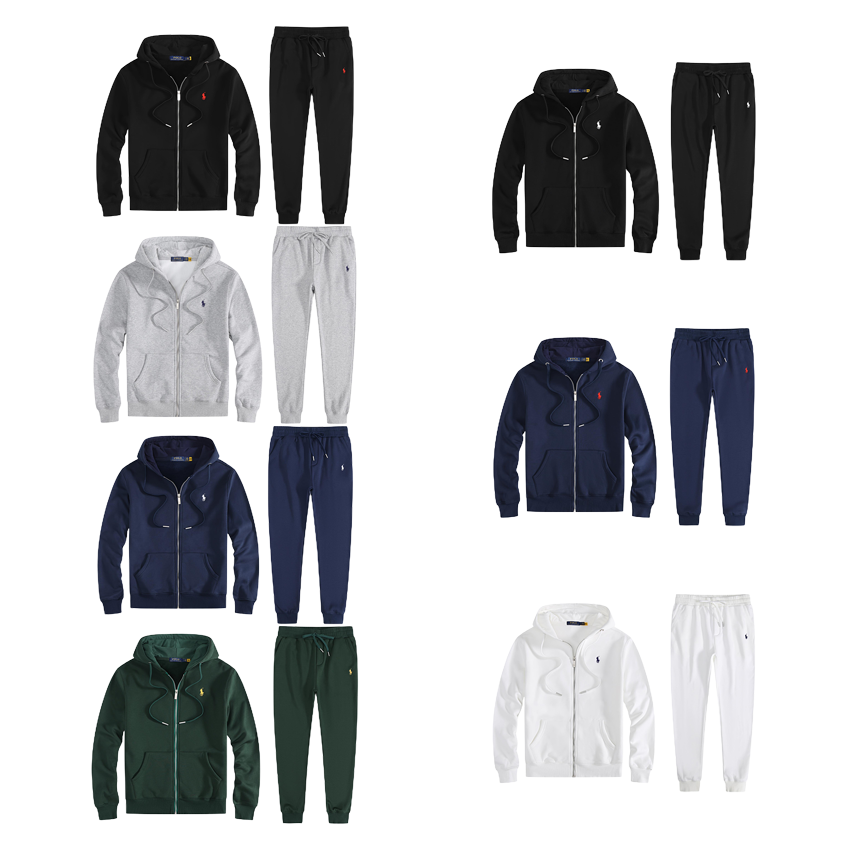
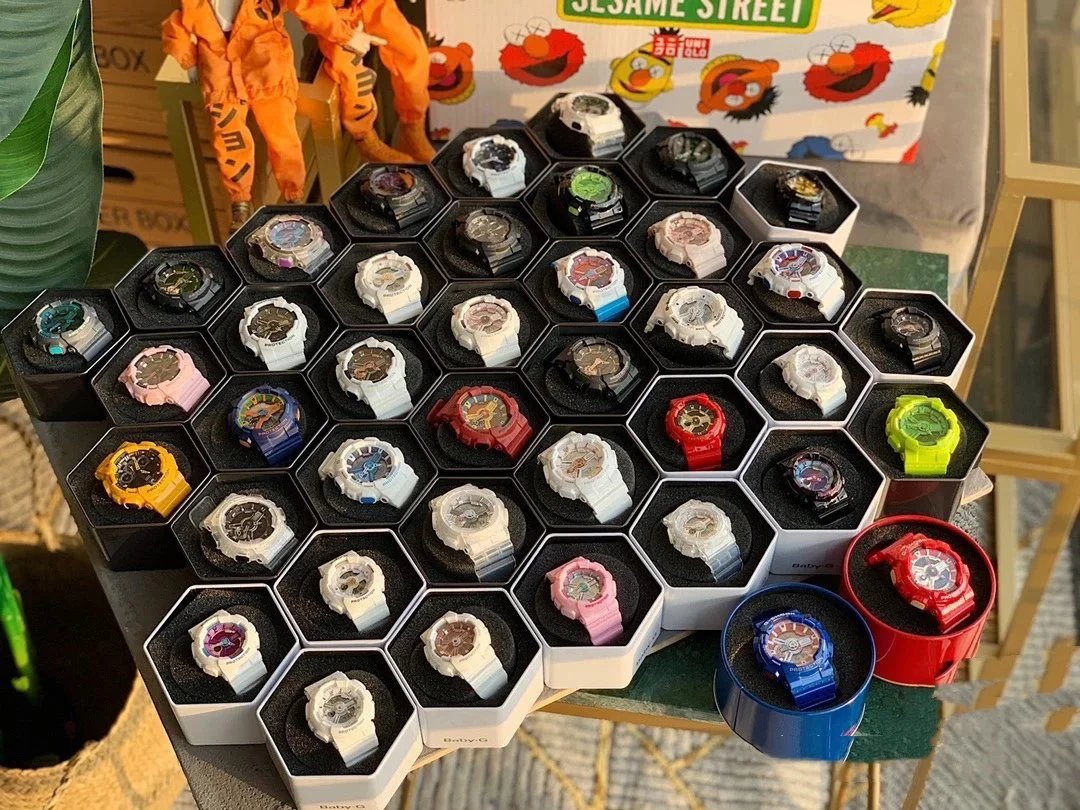
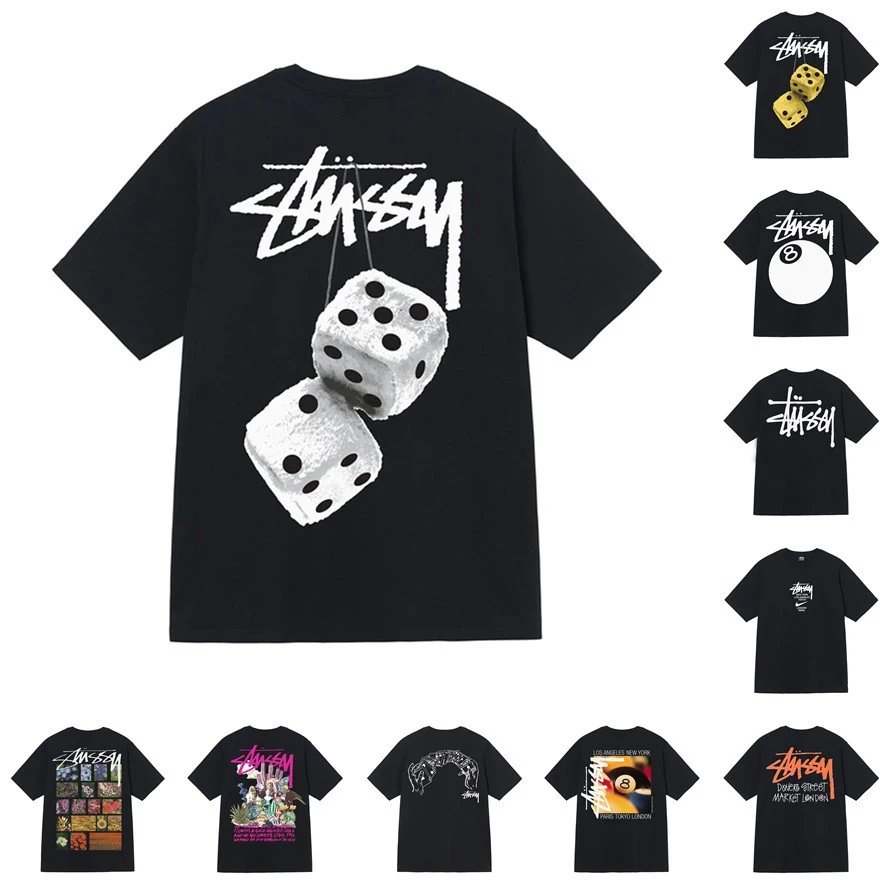
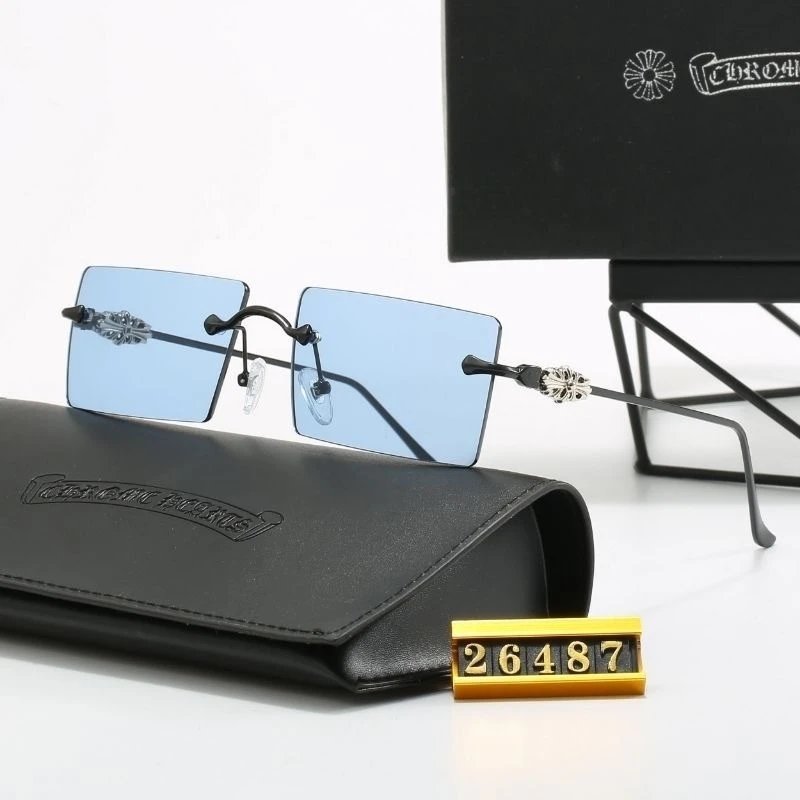
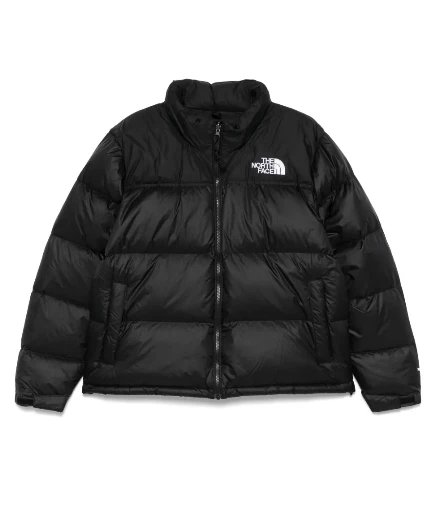
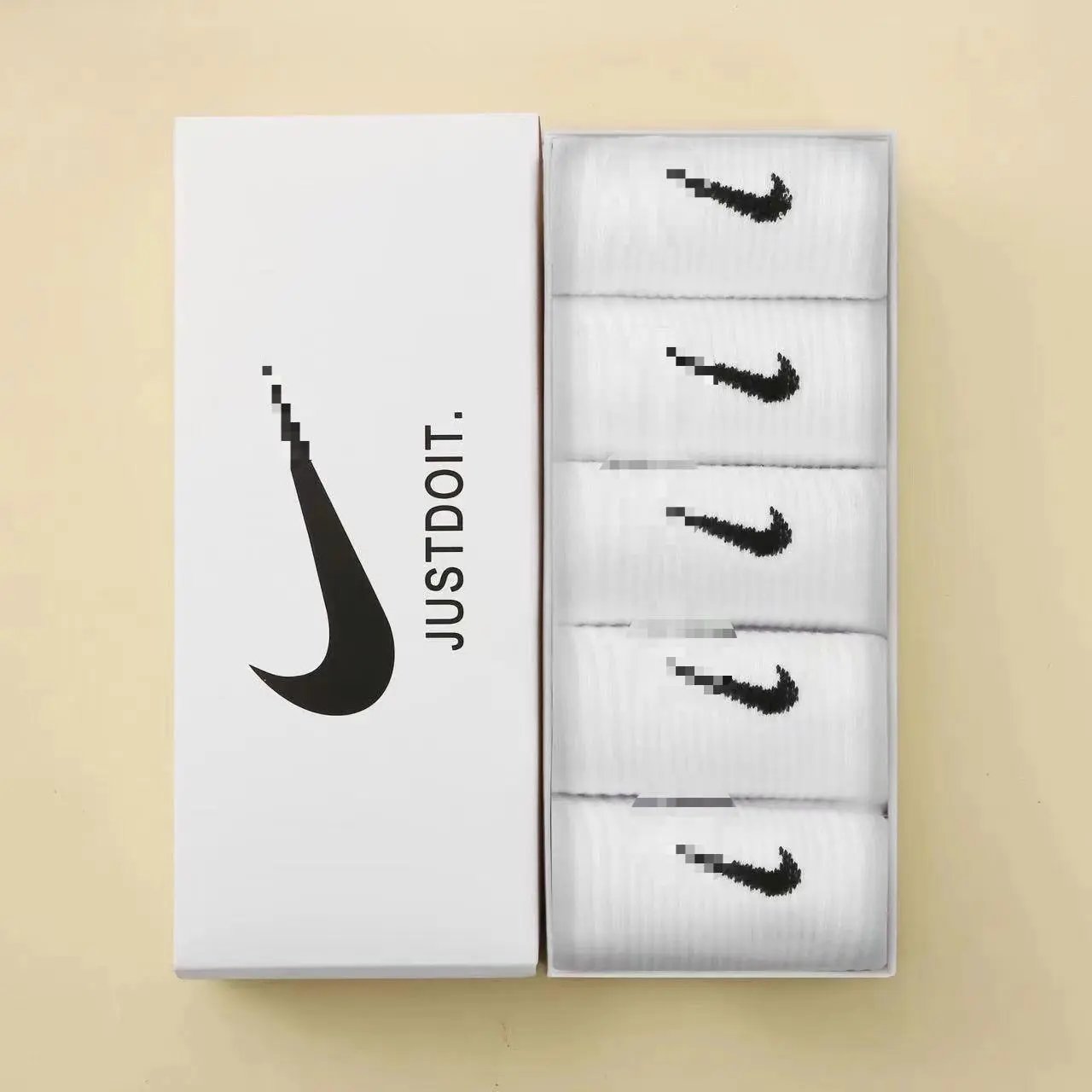
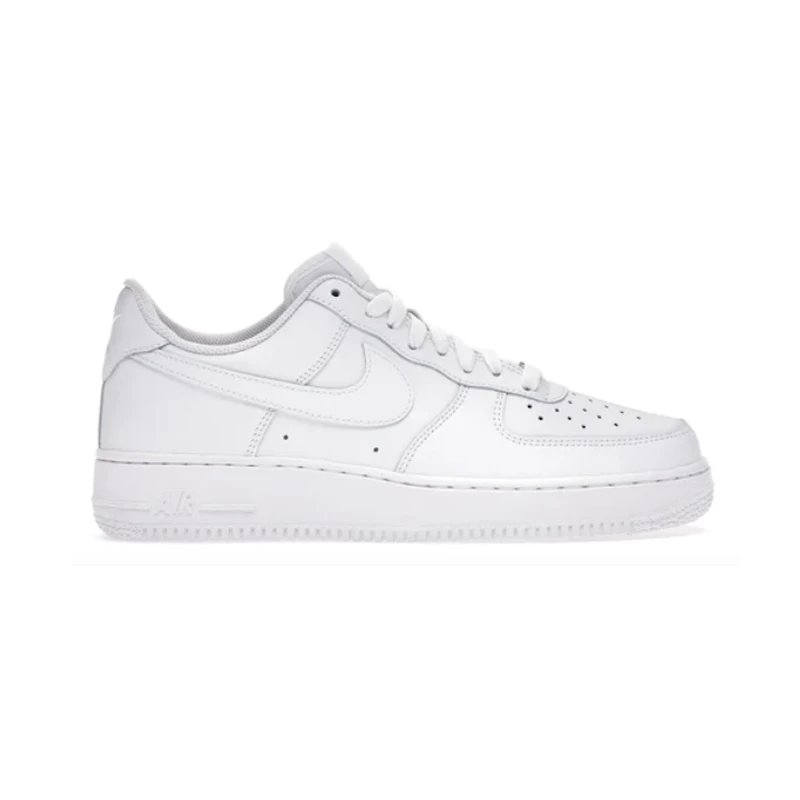
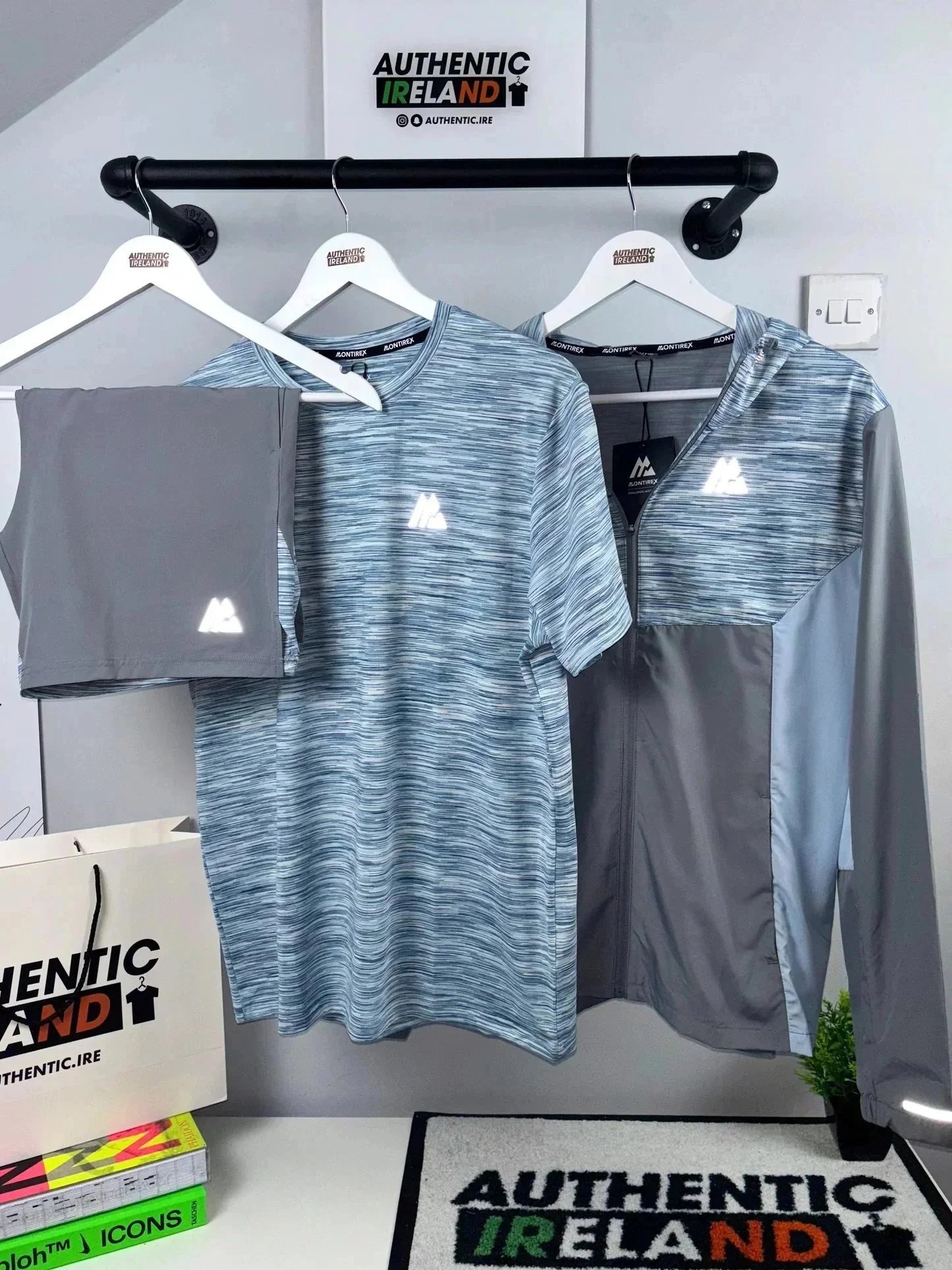
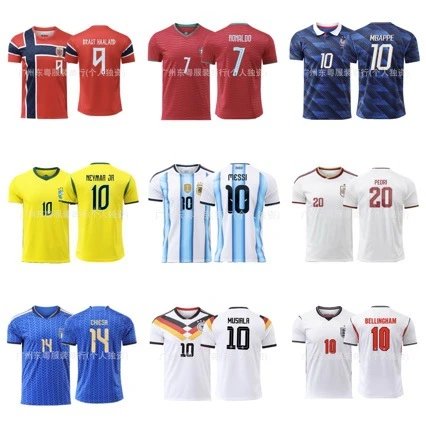
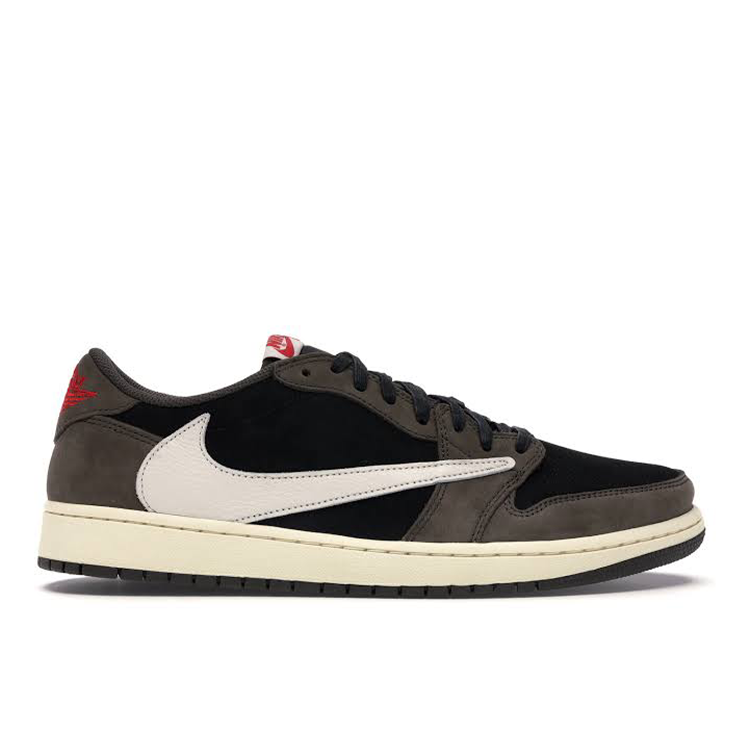
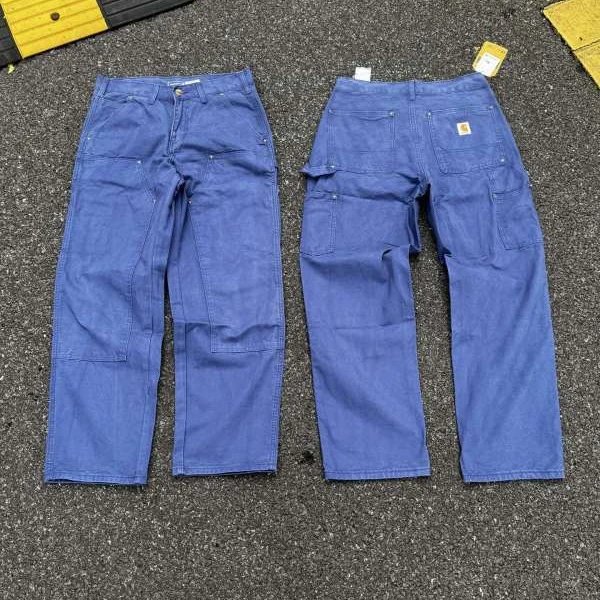
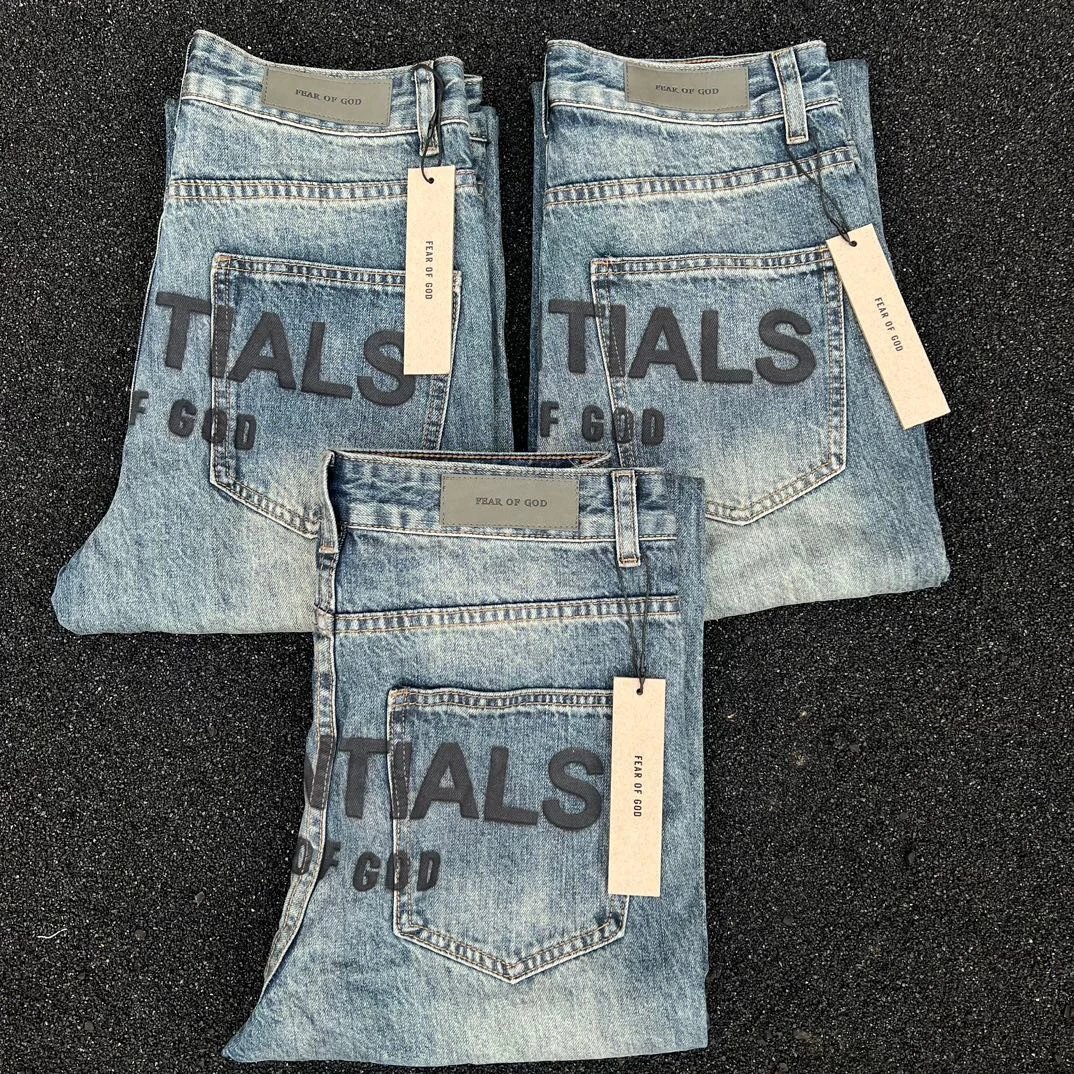
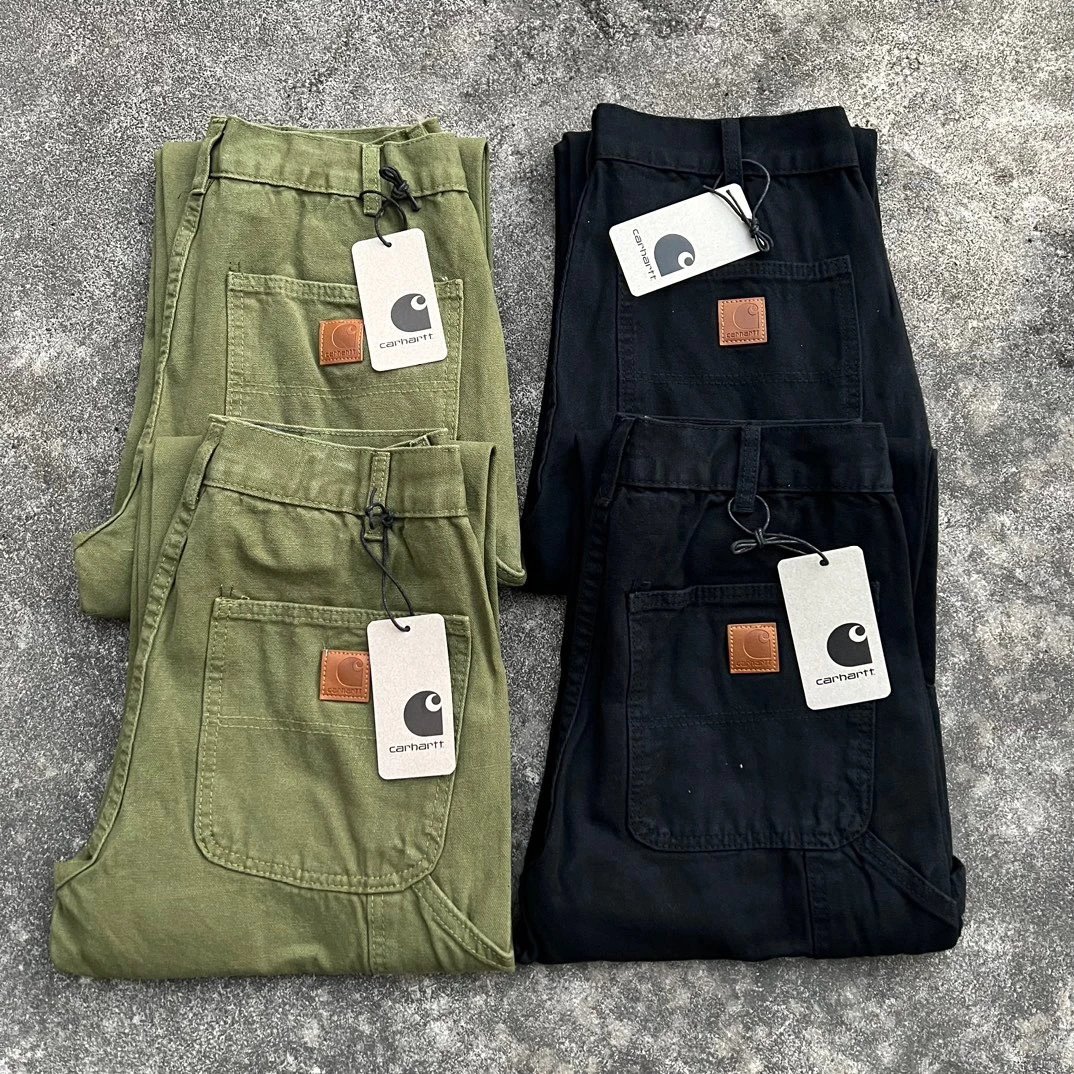
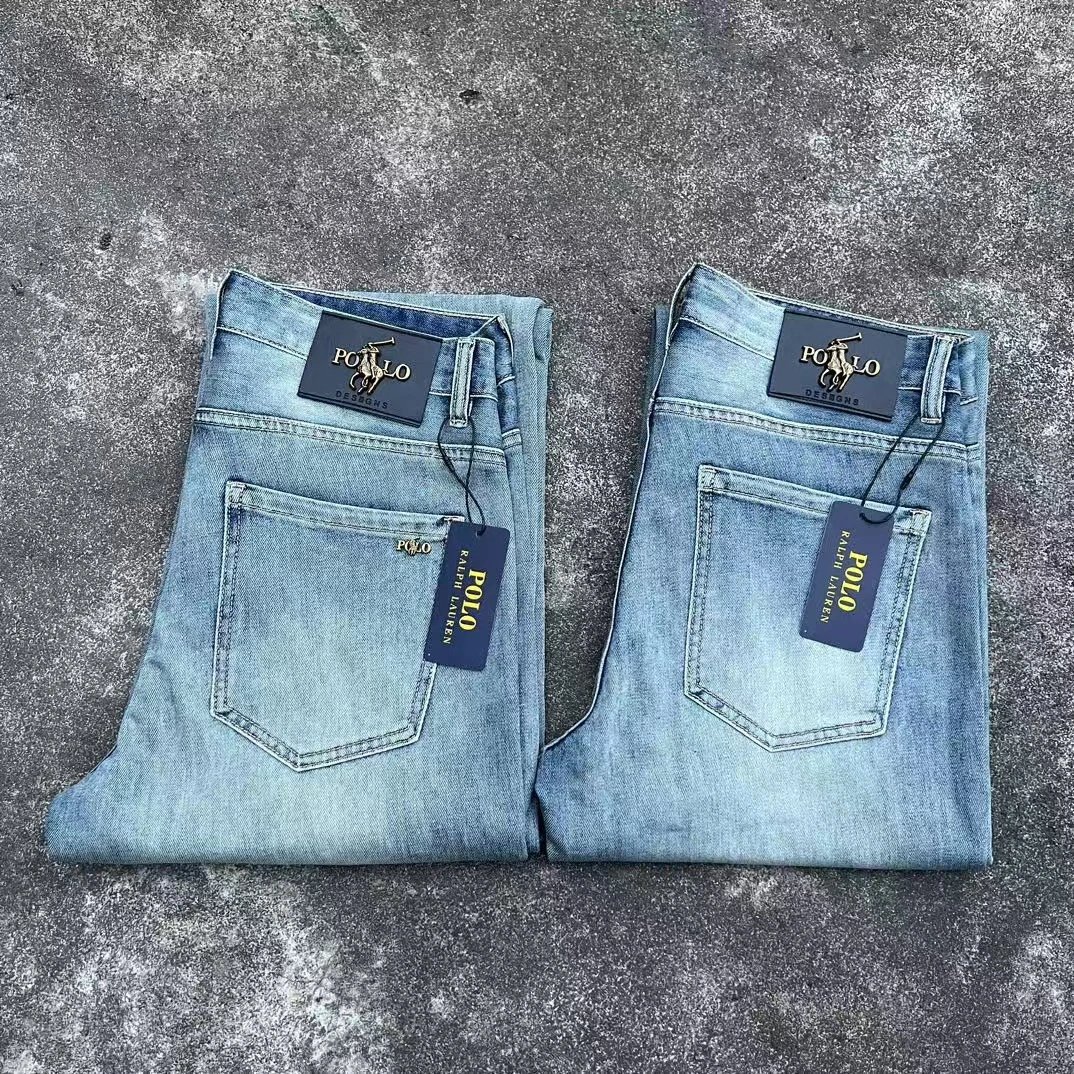
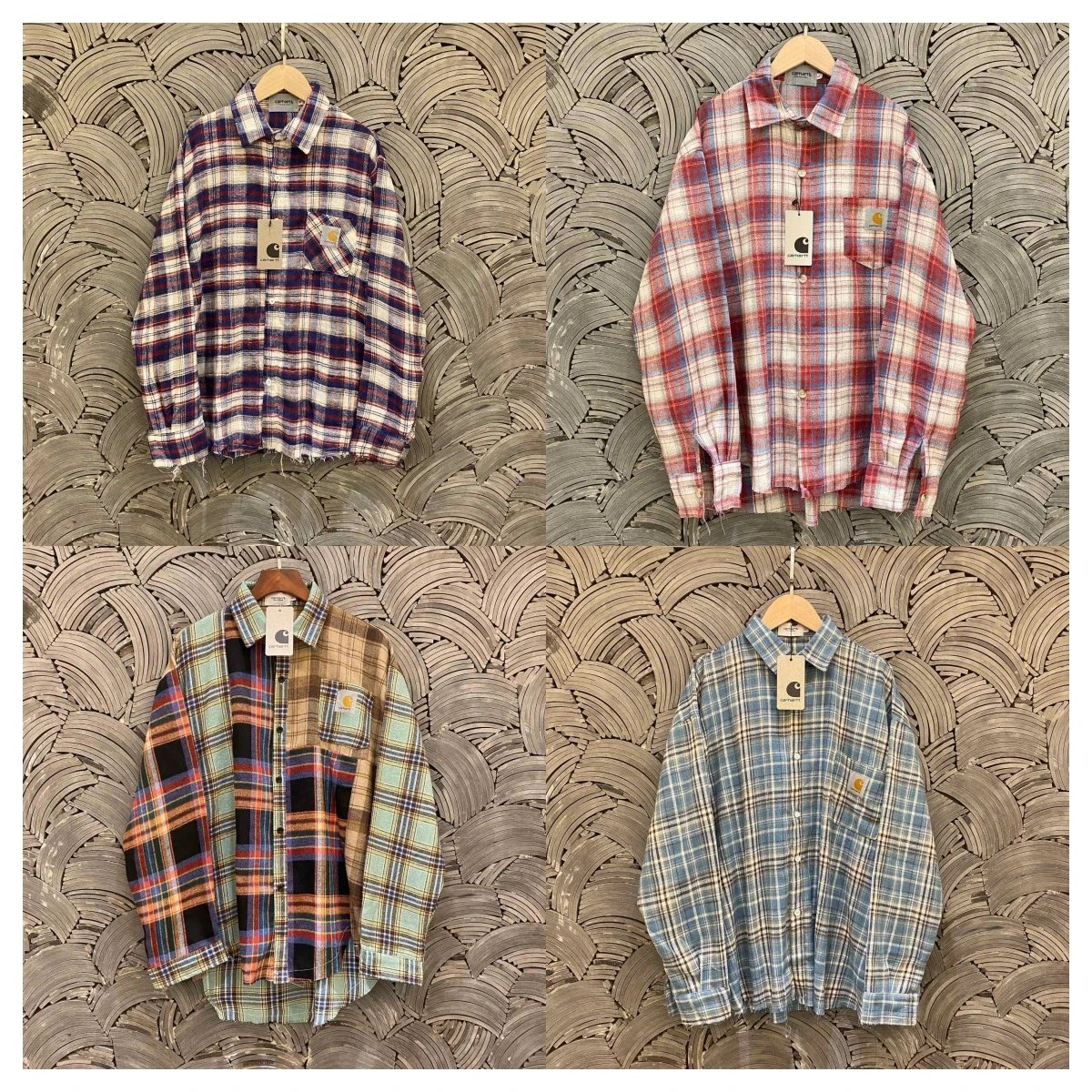
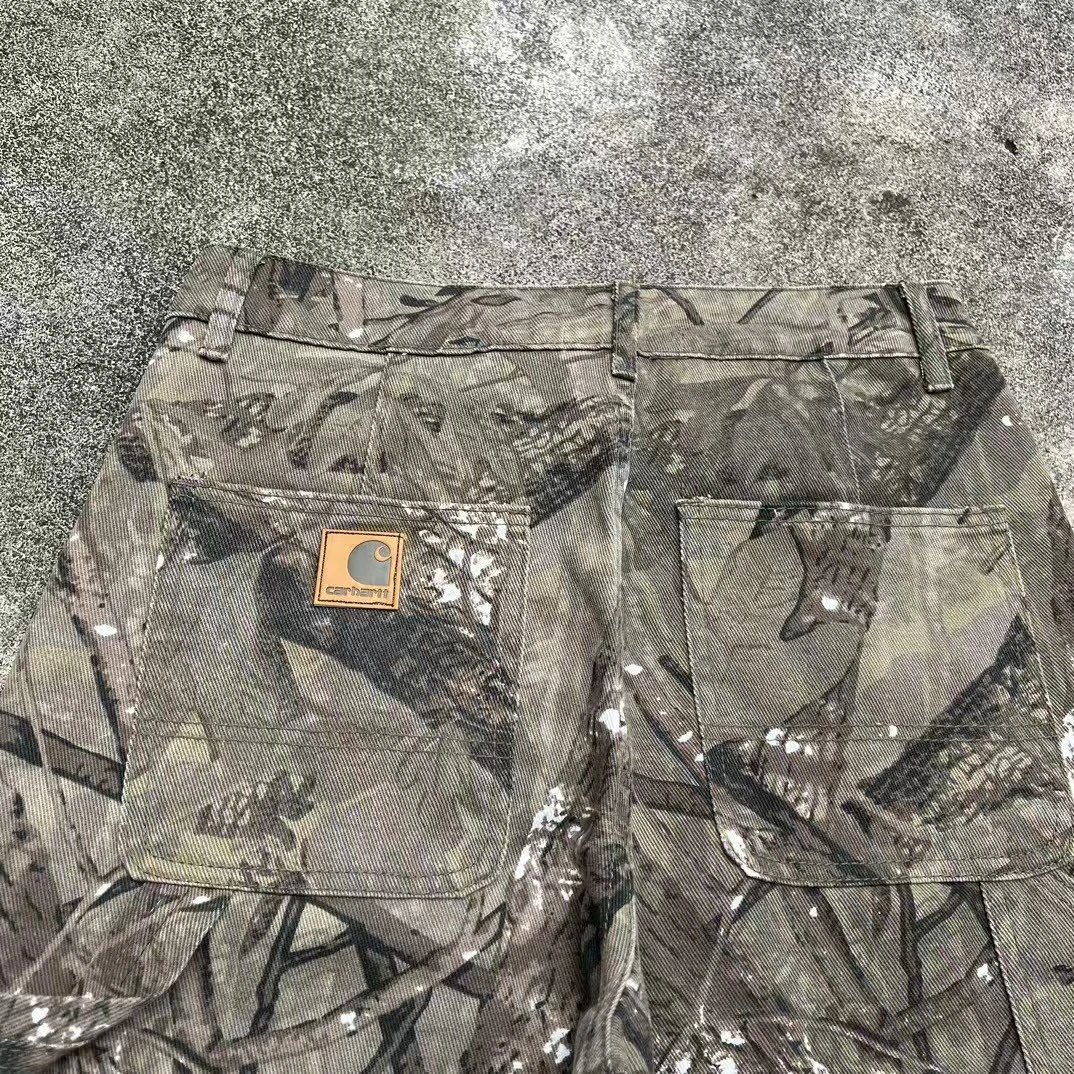
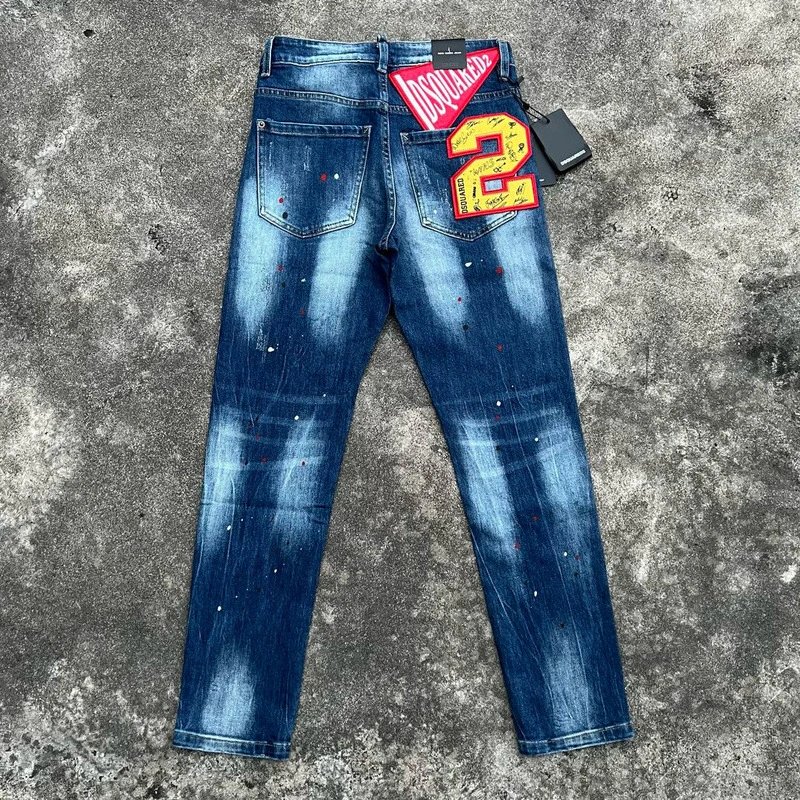
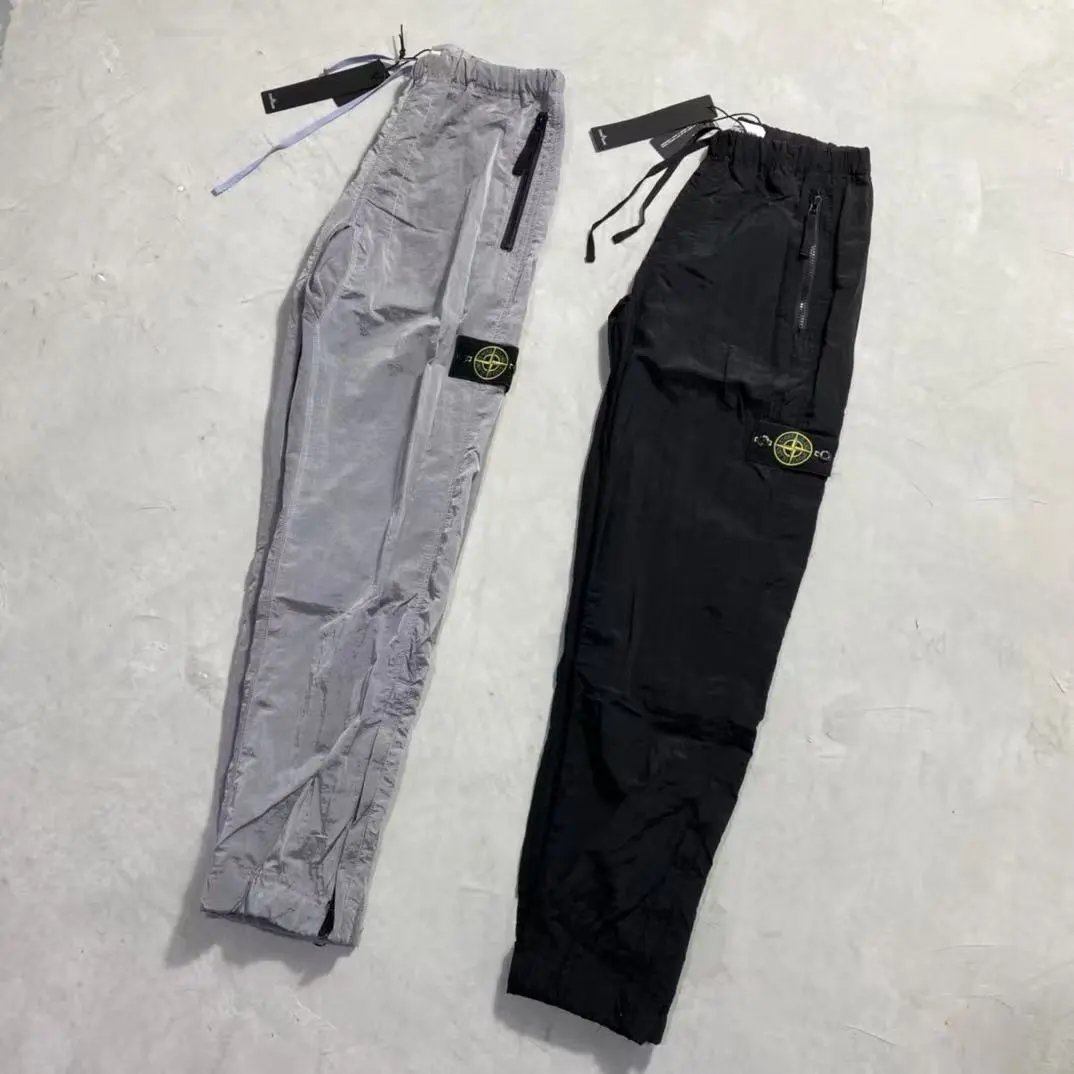
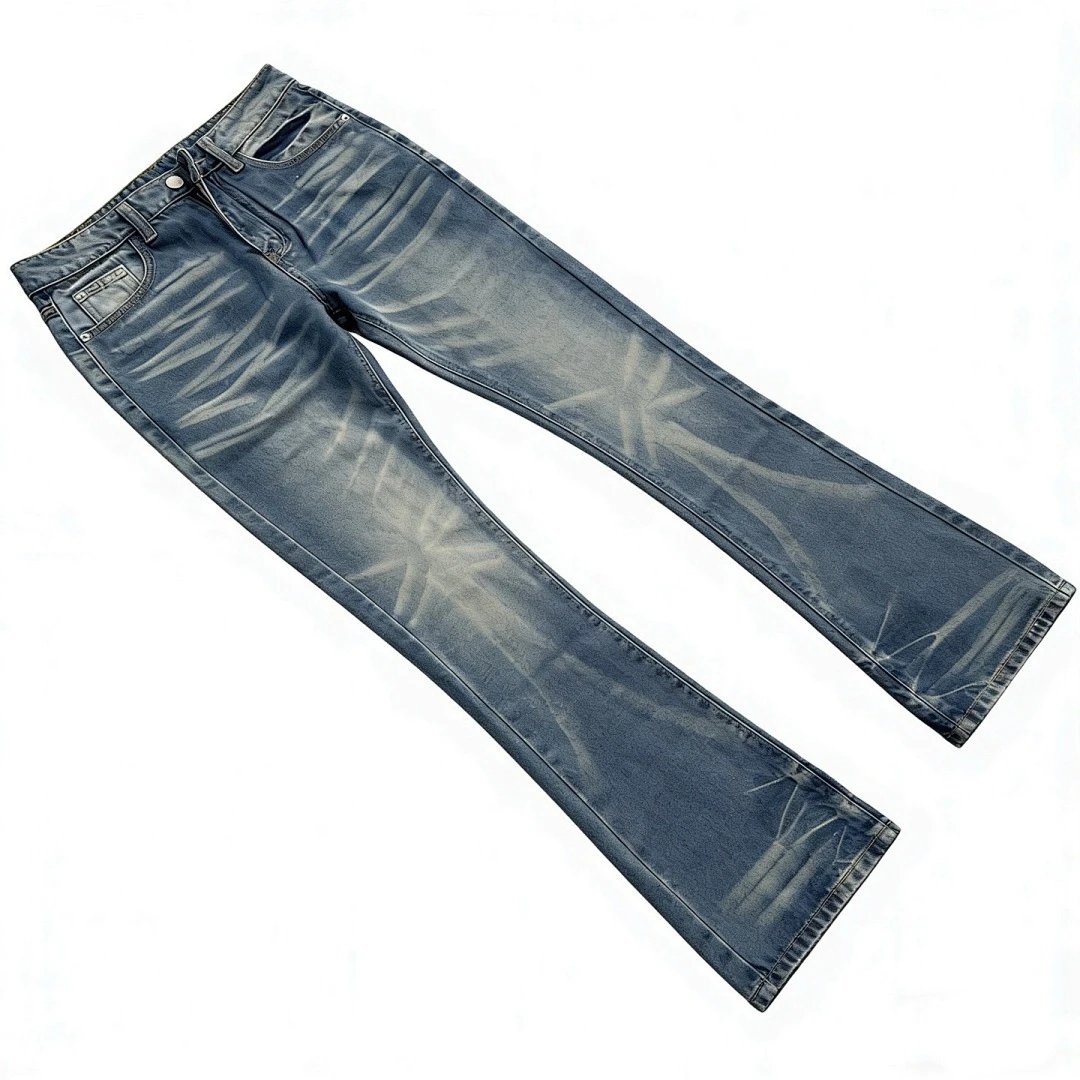
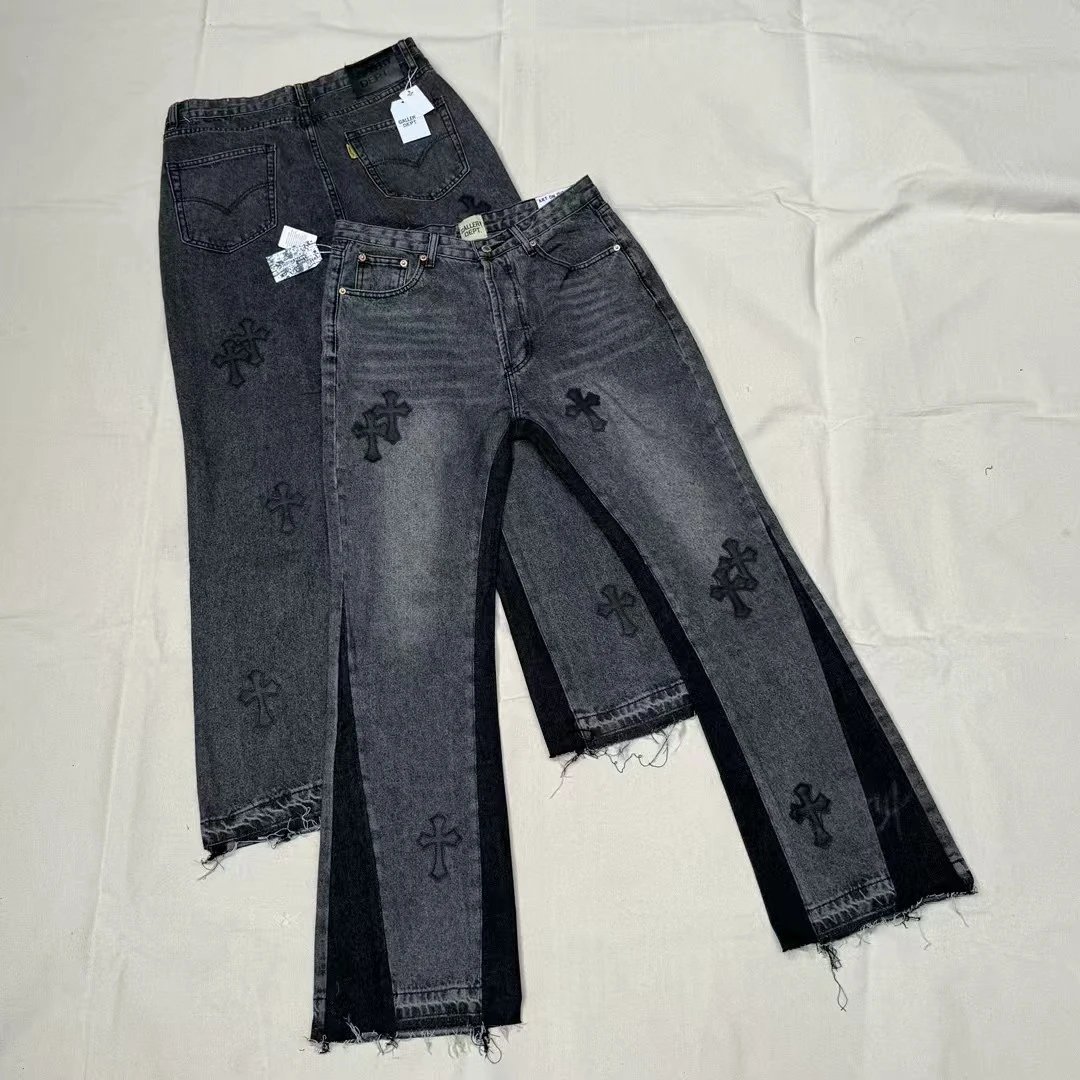
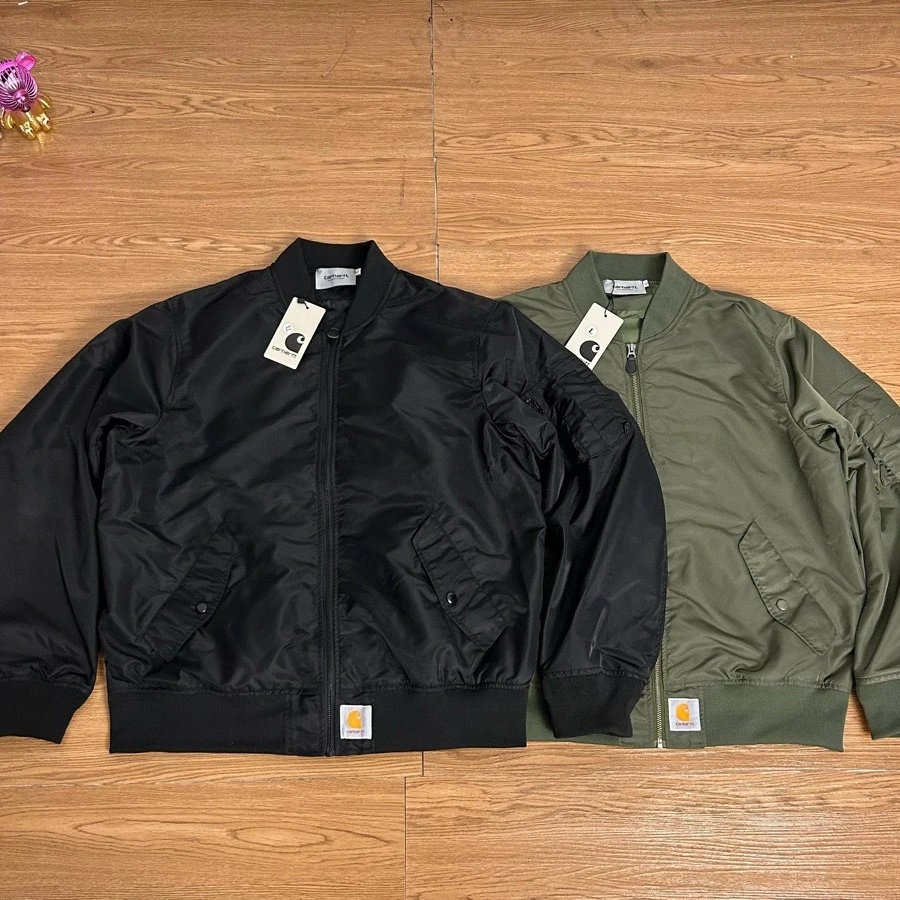
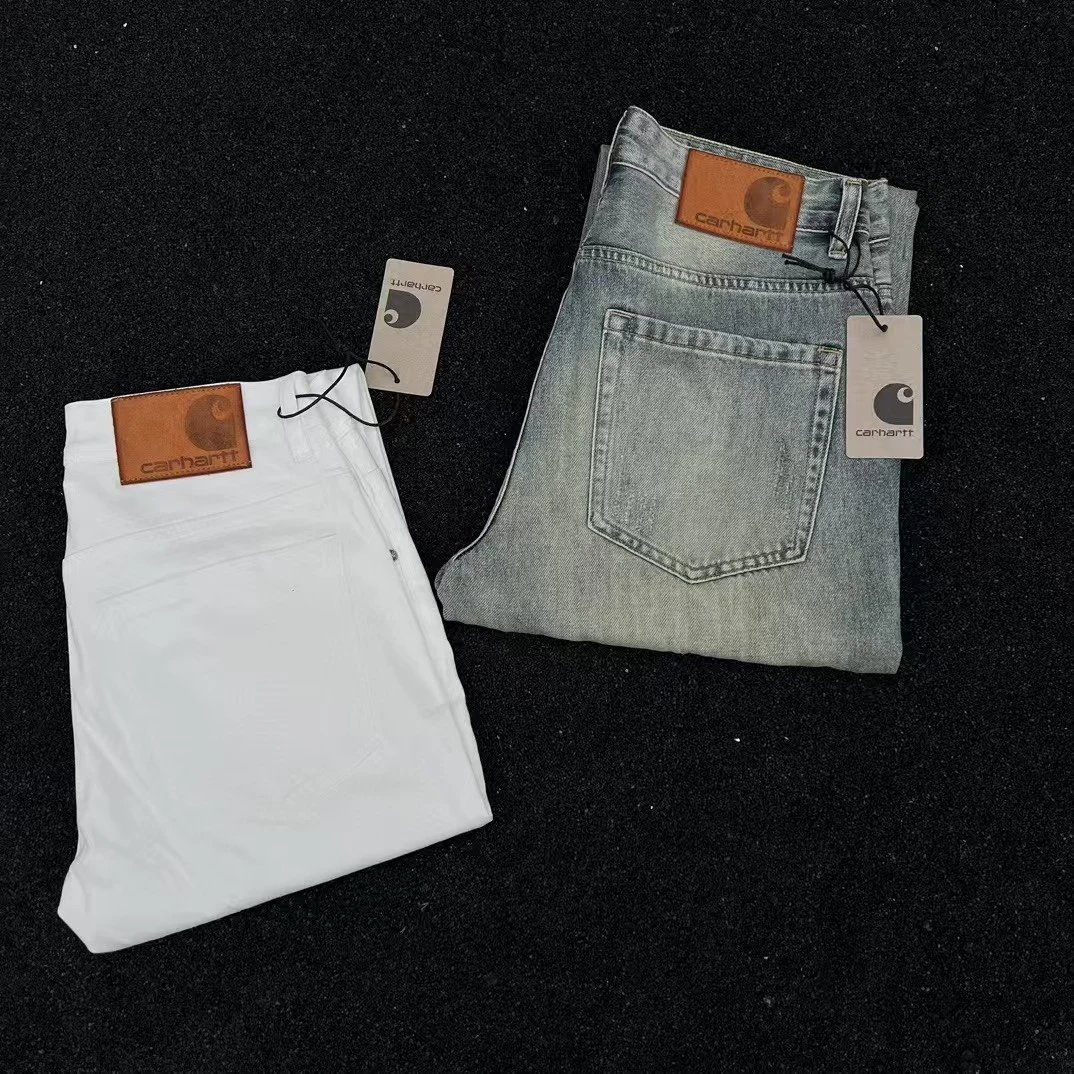
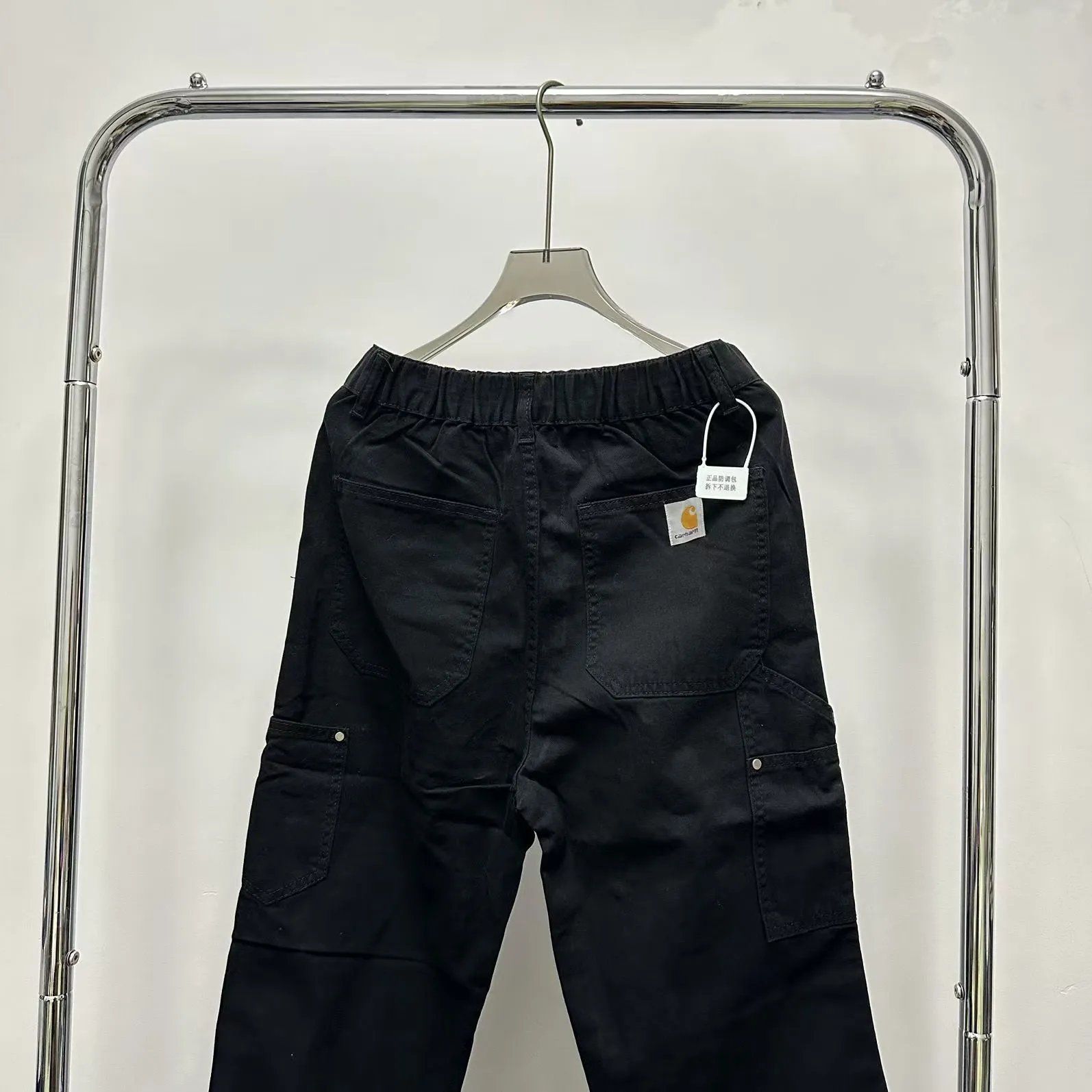
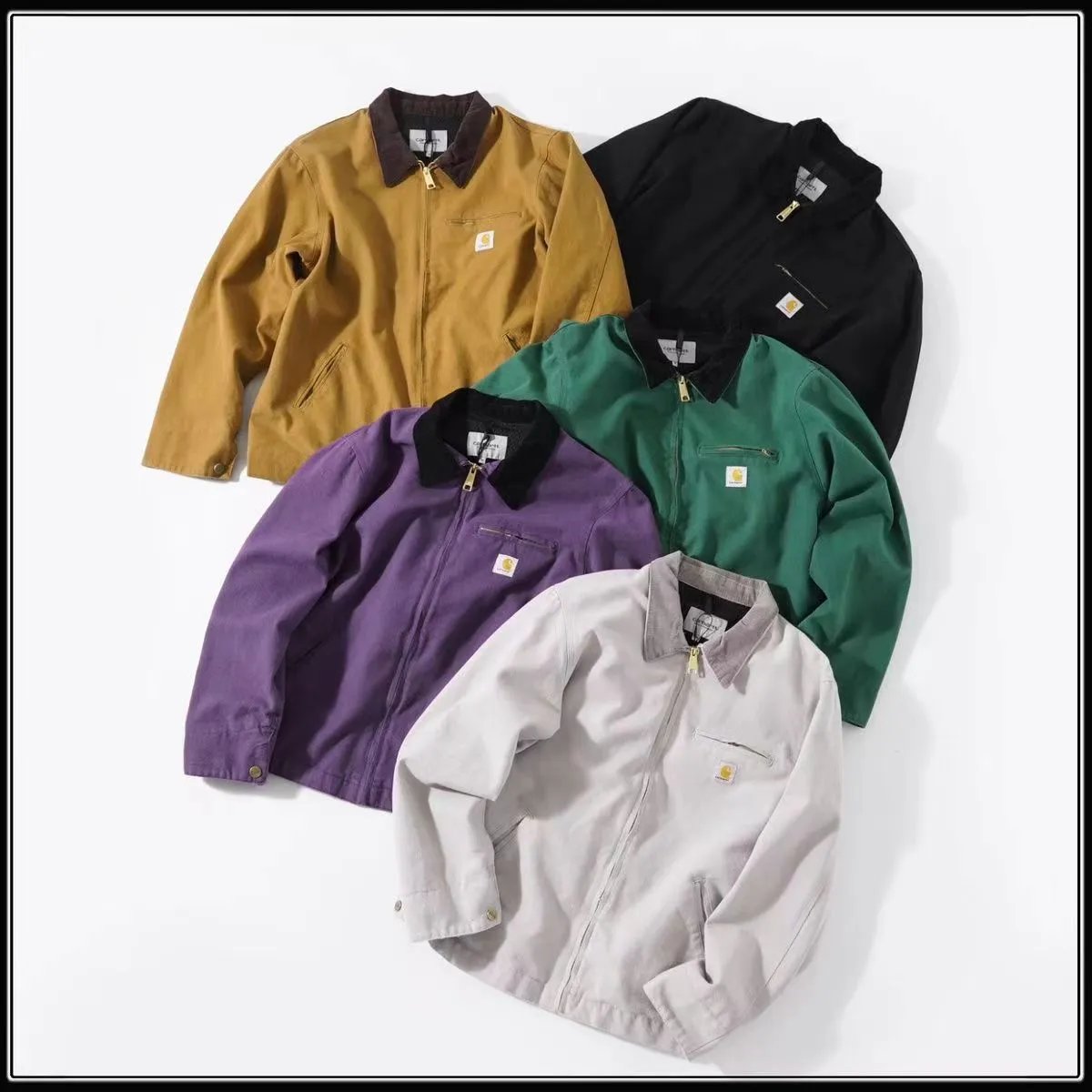
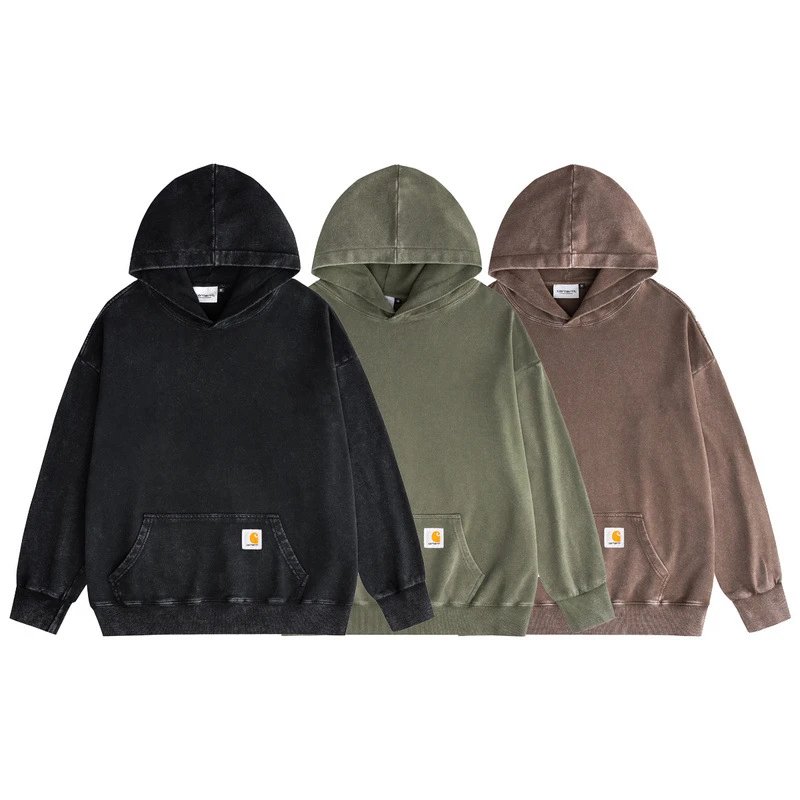
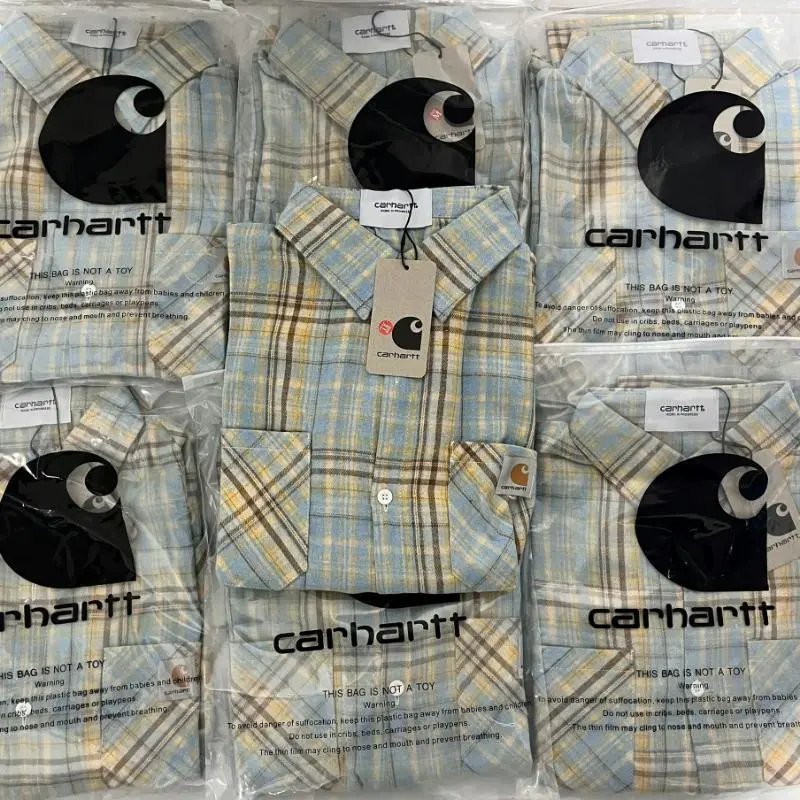
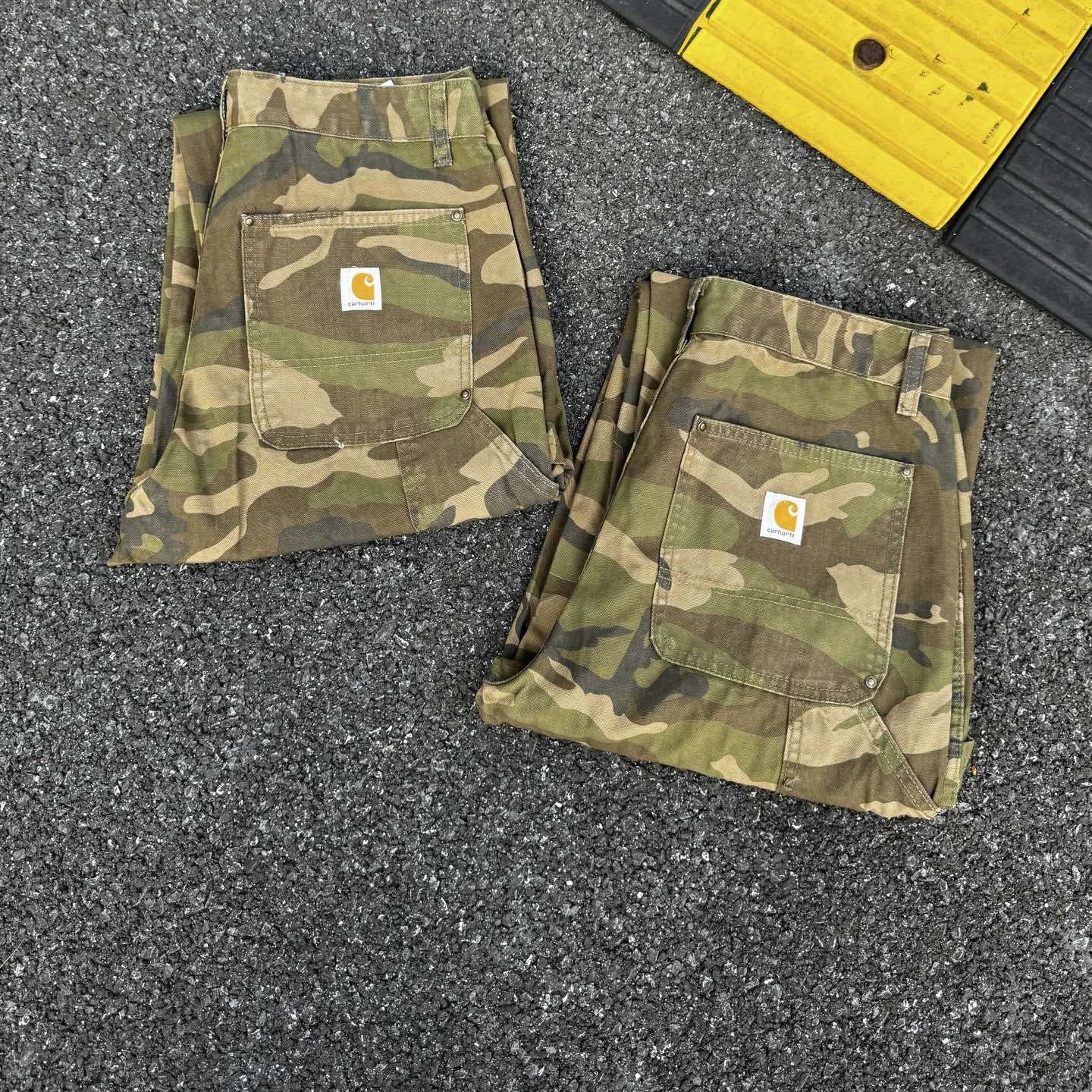
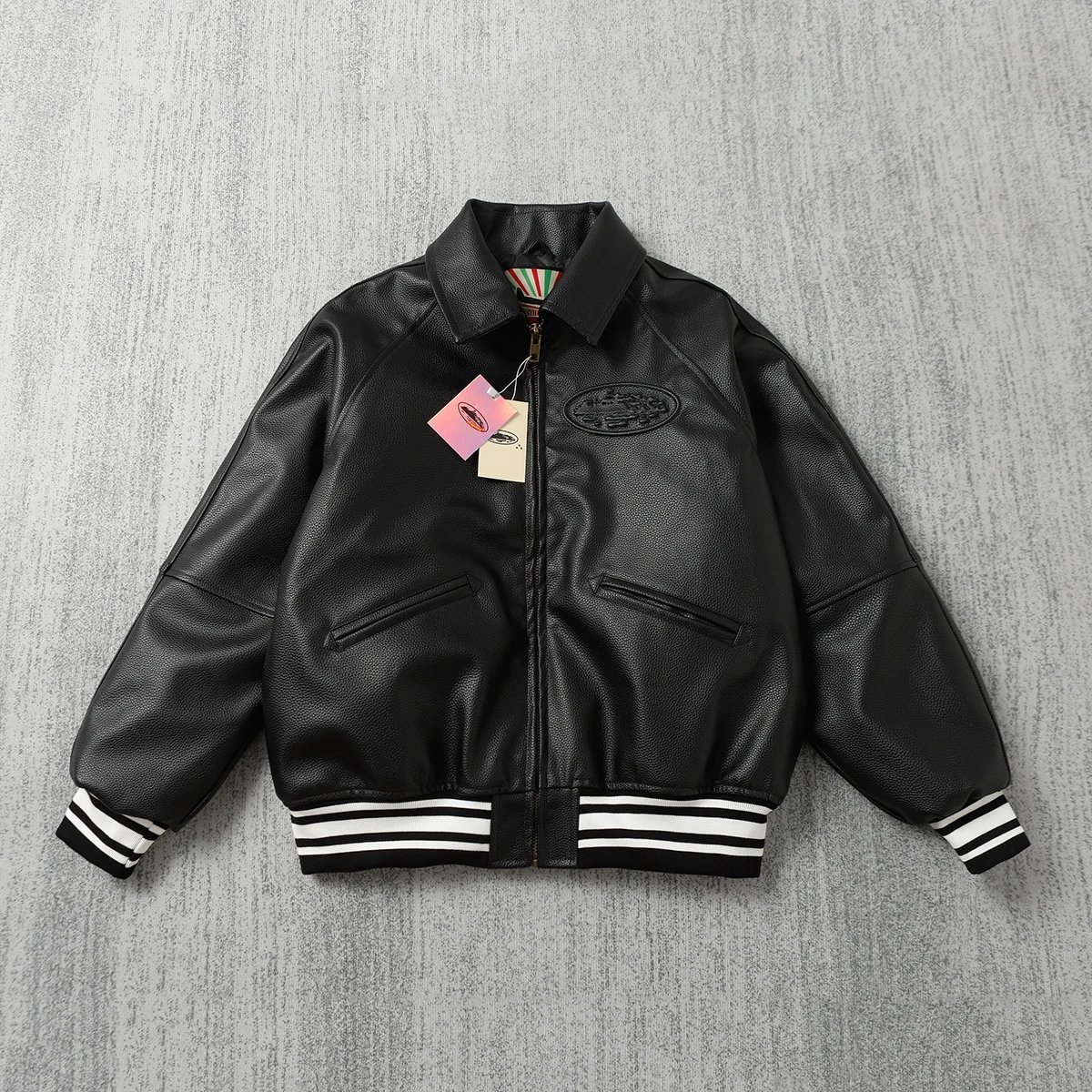
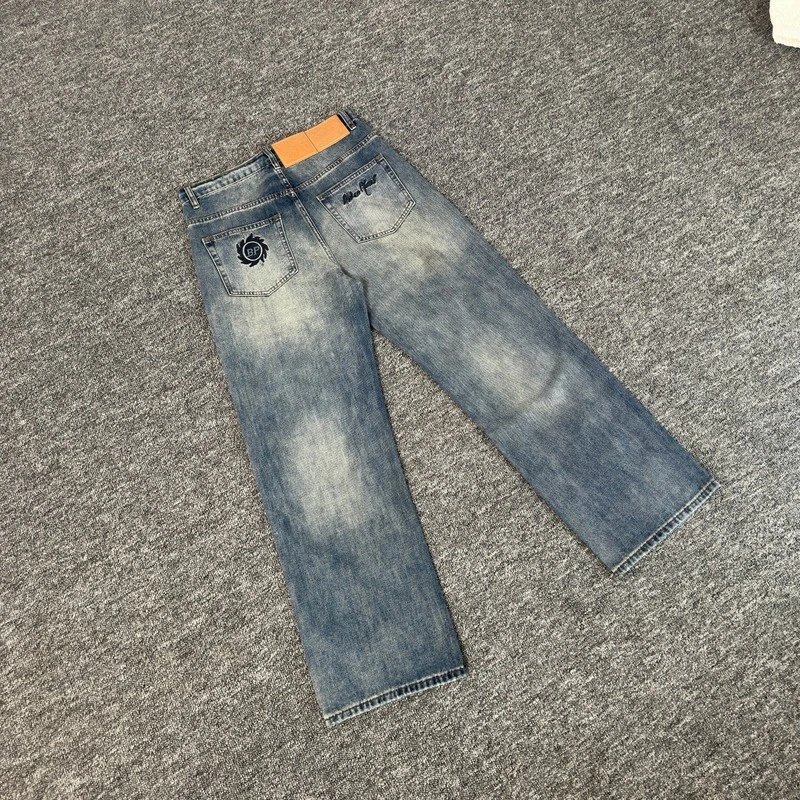
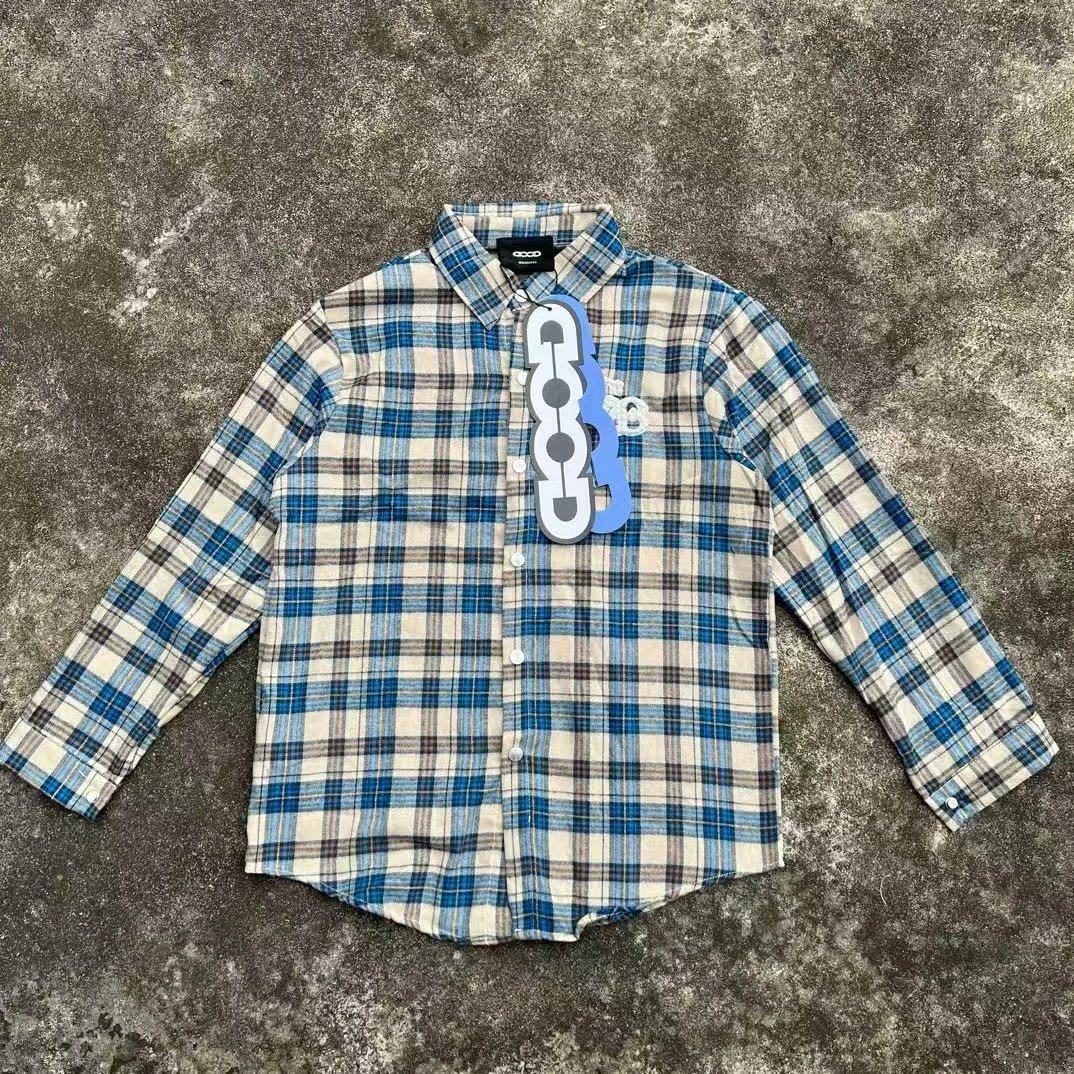
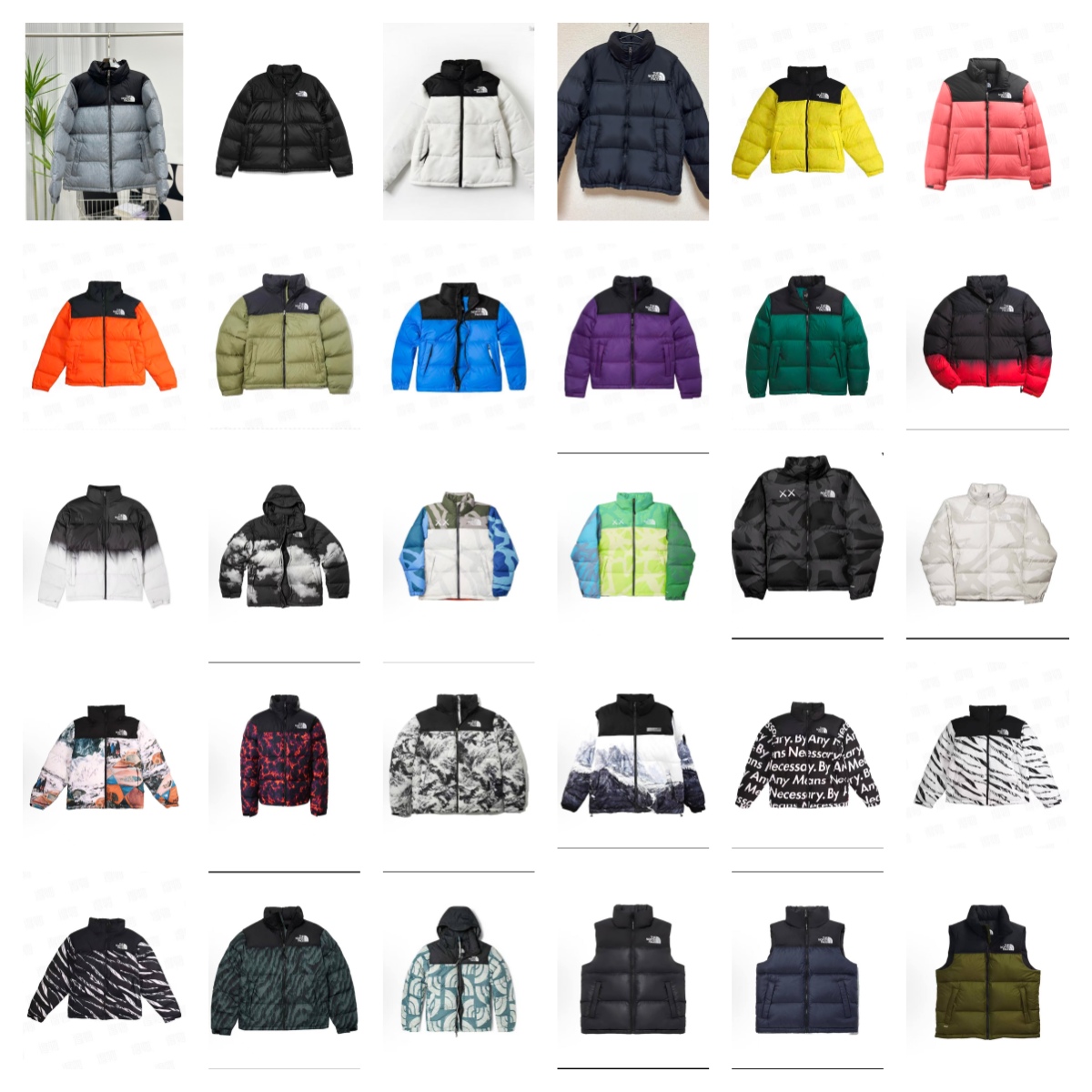
Every card here is a real listing, not a mockup. Open one and you land on the live product, where the seller sets the current price, colors, and stock. When it is the piece you want, you order it through MyCNBox, which handles the buy, consolidates it with anything else in your haul, and gets the whole box quoted for international shipping in one movement, the part that actually saves you money versus shipping items one at a time.
A practical routing tip for beginners: start broad on this page to get a feel for what the spreadsheet covers and how listings are laid out, then narrow deliberately. Tap a category pill once you spot a lane you like, or switch to search the moment you have a name in mind. Broad first, then a tight query, keeps you from getting lost in a catalog that spans nearly everything a China-based haul can hold, and gets you to a card you can confidently send to your cart.